
Português (Brasil)
From keys and bags to the things you take everywhere, register your belongings in ADY Alert and link a Lost & Found QR sticker. If someone finds your item, they can scan the code and let you know.

You check the spot where you usually keep it, then try to remember the last time you had it. You start making calls, hoping someone has handed it in.
Meanwhile, the person who found it may be looking for a way to tell you they have it.
You can go back everywhere you remember being and still miss the spot where you lost it.
Staff can only help if someone handed it in, and a finder who kept it safe has no way to reach you.
Your post may never reach the person who found it, and they can’t easily tell the item is yours.
Link an ADY ID to a loved one, pet, or item so anyone who finds them can reach you privately.
Your contact details stay private. The finder reaches you through ADY. You can see their identity verification status and ADY Reputation Score before you reply.
Link an ADY QR sticker or tag to your item. If someone finds it, they can scan the code and report it found.
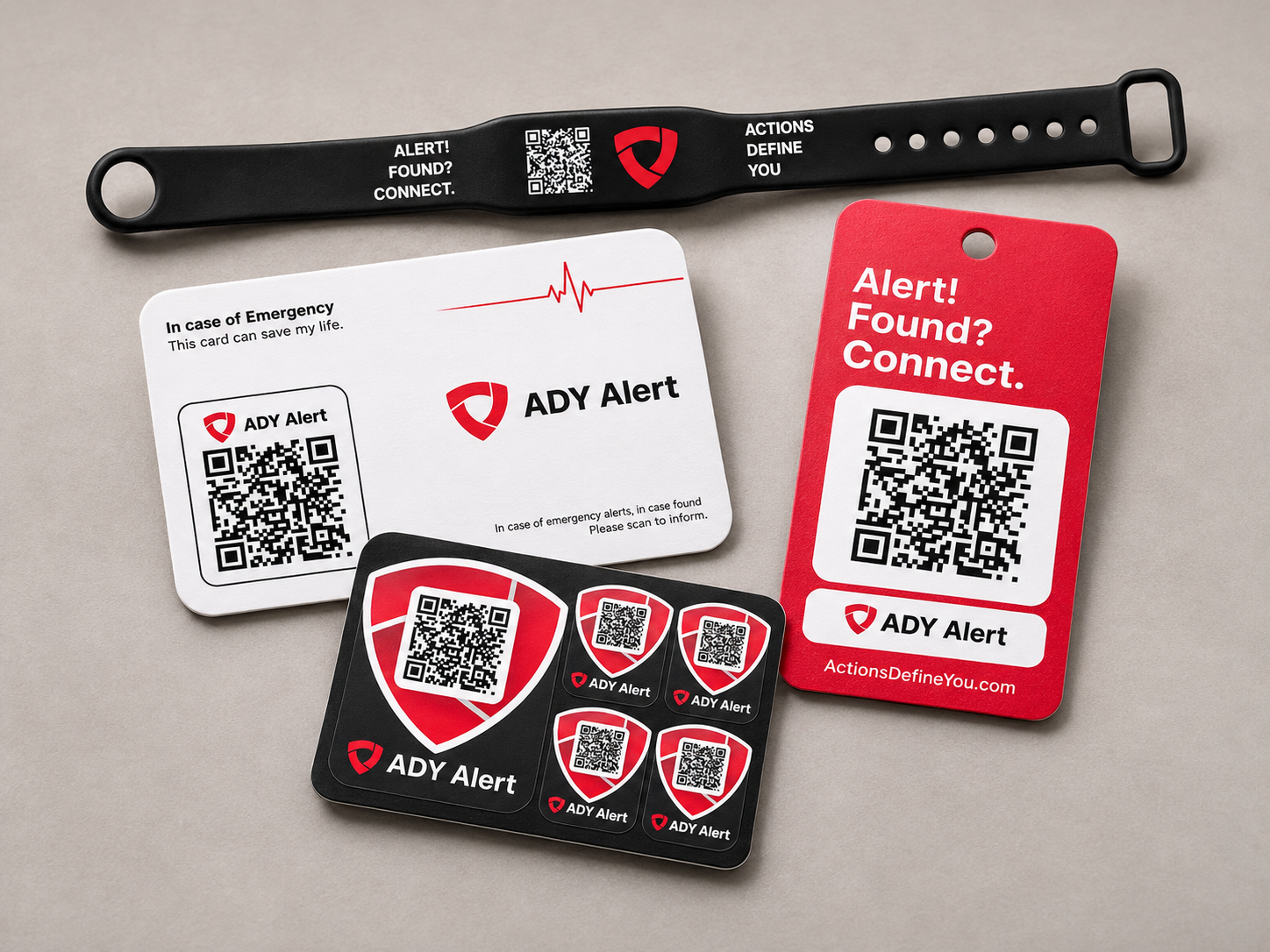

ADY Alert Lost & Found lets you register your belongings and link a QR sticker to them. If someone finds an item, they can scan the code and let you know, without your private phone number or address being shown publicly.
No. A QR sticker makes recovery easier because it gives a finder a way to scan the code and let you know. You can also register an item using photos, descriptions, serial numbers, brand, model, color, location details, and other identifying information.
You get notified, and a private chat opens between you and the finder so you can arrange to get your item back.
The finder scans the ADY QR sticker and follows the instructions on the page that opens.
You don’t have to print your phone number on the item. The recovery flow gives you and the finder a private chat, so your private contact details aren’t exposed publicly.
If the item already has a linked QR sticker, a finder can scan it to start the recovery process. If it doesn’t, contact the last place you remember having it and ask about lost property.
ADY Alert QR stickers and other recovery products will be available through approved store links, including the ADY Alert Amazon Store when available. Check the ADY Alert page for updates.

Download ADY Alert and register your first item.